The new SplitFire.ai
SplitFire.ai is now built around one thing: the app that splits a song into separate tracks on your own device. Here is what changed and why.
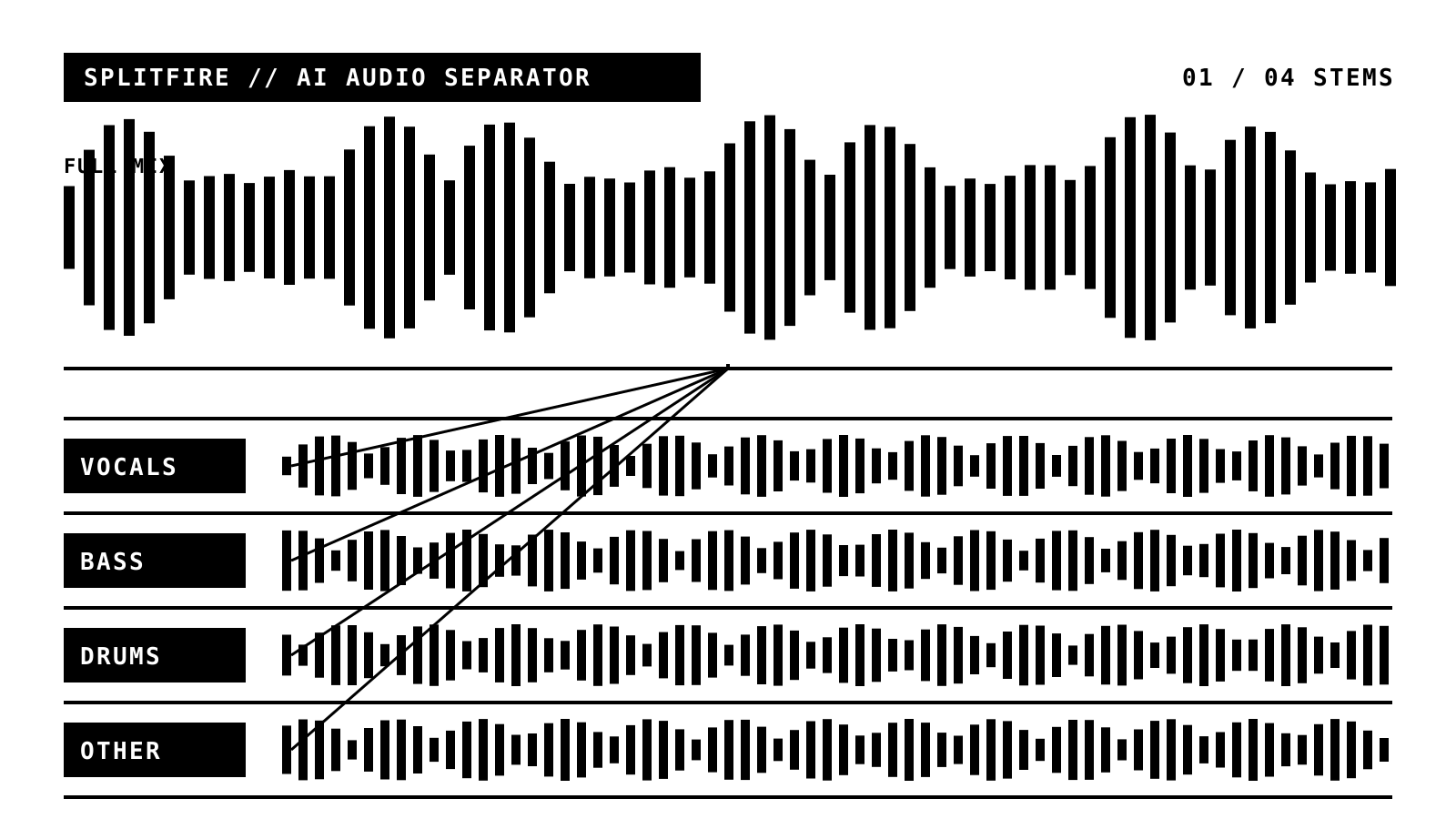
We rebuilt SplitFire.ai around a single idea. This site is now the home of the SplitFire app, the tool that takes a song and pulls it apart into separate tracks: the vocals, the bass, the drums, and everything else.
If you have used SplitFire before, you might remember it doing a lot at once. Karaoke, backing tracks, practice, a catalog to browse, and separation all lived in the same place. That made it hard to explain in a sentence. So we split the work up.
What SplitFire does now
Pick a song. SplitFire separates it into its parts, and it does the whole thing on your own machine. Nothing gets uploaded. It works with the internet switched off. You end up with clean tracks you can mute, solo, or save.
That is the whole app. It is meant to be quick and quiet, the kind of thing you open, use, and close without thinking much about it.
Where the rest went
The bigger app, the one with the song catalog, backing tracks, practice tools, and recording, is still here. It has a name of its own now: KaroKowe Jam. If you want to play along with a track instead of taking it apart, that is the one you want. You can find it at karokowejam.com, and there is a link to it on the home page.
So there are two apps now, and each one is easier to describe. SplitFire splits songs. KaroKowe Jam is for playing along.
The new look
You have probably noticed the site looks different. Black text, white background, big type, thick borders, no gradients. It is the same look as the app itself, so the website and the thing you download finally match. We like how plain it is.
Try it
The SplitFire app runs on Mac, Windows, Linux, iPhone, iPad, and Android. You can grab it from the download page. If you run into something odd or have a request, the contact page still reaches us.
More soon.