Map of the Problematique karaoke version
A simple way into the karaoke version when you want the arrangement to stay familiar and the lead vocal to step aside.
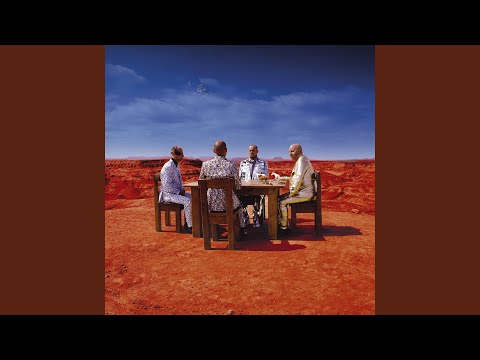
About this version
Sometimes you do not need a big setup. You just need the song without the lead and a straight path into rehearsal.
Useful for
singing practice at home
Useful for
cover rehearsals
Useful for
working on phrasing before a full take
A simple way in
A cleaner backing track for singing, rehearsal, and covers when you want the song to stay familiar but the lead vocal to step aside.
Start with the tricky section, not the whole song. A few good repetitions usually tell you more than one rushed pass from top to bottom.
Once it feels settled, go back to the full arrangement and check whether it still holds together. That is usually where the real answer is.
Notes
Provided to YouTube by Warner Records Map of the Problematique · Muse Black Holes and Revelations ℗ 2006 A&E Records Limited Assistant Recording Engineer: Chris Wolstenholme Bass Guitar: Chris Wolstenholme Producer: Chris Wolstenholme Synthesizer: Chris Wolstenholme Background Vocals: Chris Wolstenholme Assistant Mixing Engineer: Claudius Mittendorfer Audio Recording Engineer: Claudius Mittendorfer Drums, Percussion: Dominic Howard Assistant Recording Engineer: Dominic Howard Producer: Dominic Howard Background Vocals: Dominic Howard Assistant Engineer: Eddie Jackson Mastering Engineer: Howie Weinberg Assistant Recording Engineer: Matthew Bellamy Guitar, Piano, Synthesizer: Matthew Bellamy Producer: Matthew Bellamy Lead Vocals: Matthew Bellamy Assistant Mixing Engineer: Max Dingle Assistant Engineer: Myriam Correge Mixing Engineer: Rich Costey Audio Recording Engineer: Rich Costey Co- Producer: Rich Costey Assistant Mastering Engineer: Roger Lian Assistant Engineer: Ross Peterson Assistant Engineer: Ryan Simms Assistant Recording Engineer: Tommaso Colliva Mastering Engineer: Vlado Meller Writer: Matthew Bellamy Auto-generated by YouTube.
Next
Open the song in the app, stay with the part you came for, and leave the rest for later.